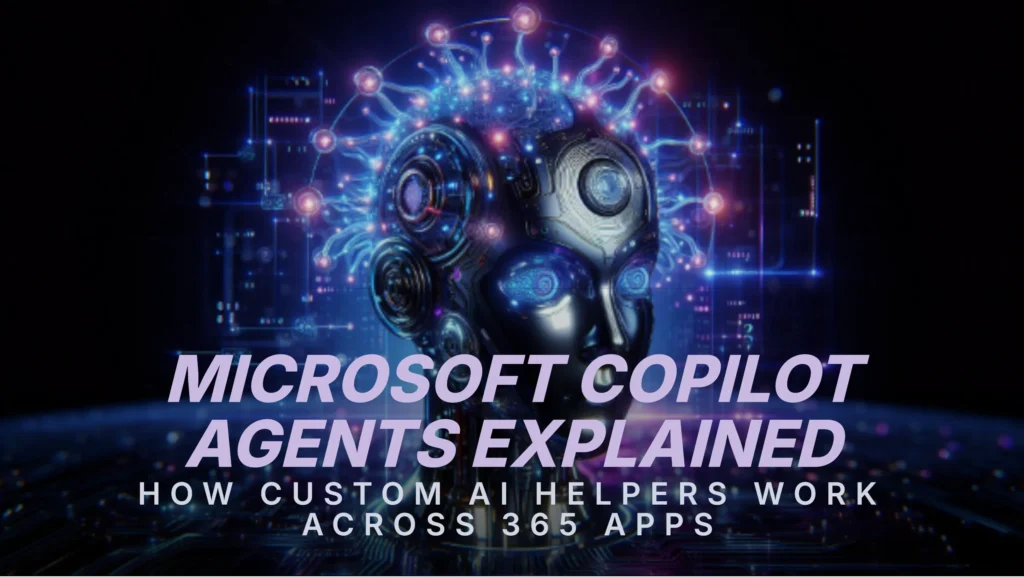
Microsoft Copilot Agents Explained: How Custom AI Helpers Work Across 365 Apps
As we navigate through 2026; the most significant evolution in the Microsoft 365 ecosystem is the move toward agentic workflows. While the original Copilot was a reactive assistant—waiting for you to ask it to summarize an email—Microsoft Copilot agents are proactive digital coworkers. These specialized AI entities are designed to own specific business processes; monitor signals across your apps; and execute multi-step tasks autonomously. This shift is redefining productivity by moving humans from executors of manual tasks to orchestrators of AI talent.
1. Copilot vs. Agents: What is the Difference?
It helps to think of ‘Copilot’ as your general-purpose interface and ‘Agents’ as your specialized subject matter experts. While Copilot stays with you across all apps to help with writing and searching; agents are purpose-built for specific domains.
- Autonomy: Copilot requires a prompt for every action; agents can trigger based on events (like a new file upload or a missed deadline).
- Specialization: Agents are ‘grounded’ in specific datasets; such as an HR handbook or a live CRM pipeline.
- Persistence: Agents maintain a ‘structured memory’ of a project; meaning they don’t just answer questions—they follow the project’s lifecycle.
2. Meet the 2026 Built-In Agent Library
Every Microsoft 365 Copilot license now includes a suite of ‘ready-to-work’ agents. You can find these in the Copilot Agent Store or by @mentioning them in Teams. Key examples include:
- The Workflows Agent: Describe a process in plain English (e.g.; ‘Every Friday; summarize my team’s project updates and email them to the VP’) and it builds the automation for you.
- The People Agent: Acts as an organizational memory; identifying who has specific expertise or finding the right person to talk to about a project based on internal signals.
- The Researcher Agent: Performs in-depth information gathering across the web and your internal SharePoint; synthesizing complex reports in minutes.
- The Analyst Agent: Grounded in Excel and Power BI; it identifies trends and anomalies in your data without you needing to write a single formula.
3. Custom Agents via Copilot Studio
For organizations with unique needs; Microsoft Copilot Studio allows for the creation of custom agents without writing code. You can build an agent that is exclusively trained on your company’s proprietary technical manuals or one that manages the entire ‘closing the loop’ process for sales leads. These agents can be published directly into the apps where your team already works—Teams; Outlook; or SharePoint—making AI a seamless part of the daily flow.
4. Cross-App Orchestration in Action
The true power of microsoft copilot agents is their ability to work across the 365 suite. A single ‘Project Coordinator Agent’ can:
- Monitor a Teams channel for new action items.
- Update a Planner board with those tasks.
- Draft a Word summary for the weekly status meeting.
- Send Outlook reminders to team members with approaching deadlines.
This cross-app connectivity ensures that information no longer lives in silos; and project momentum is maintained even when the human lead is in other meetings.
5. Governance and Security: Agent 365
In 2026; Microsoft introduced Agent 365; a governance framework that treats AI agents as ‘first-class identities.’ This means agents have their own audit trails; permissions; and security controls. IT administrators can see exactly which agents are active; what data they are accessing; and who created them. Because these agents inherit your organization’s existing Zero Trust security policies; you can deploy them for sensitive tasks like finance or HR with total peace of mind.
The ROI of an Agentic Workforce
Early data from 2026 trials indicates that organizations utilizing custom agents see an average 60% boost in team productivity. By offloading the ‘coordination tax’—the time spent checking statuses and moving data between apps—to microsoft copilot agents; human workers can finally return to the strategic and creative work they were hired to do. Start your journey by exploring the Agent Store today and find the digital teammate that best fits your workflow.