
Be the first to review “Microsoft Copilot Made Easy: A Step-by-Step Practical Guide to Everyday AI Assistance” Cancel reply
By StoryBuddiesPlay
AI & Machine Learning, AI for Beginners, AI Tools & Prompts
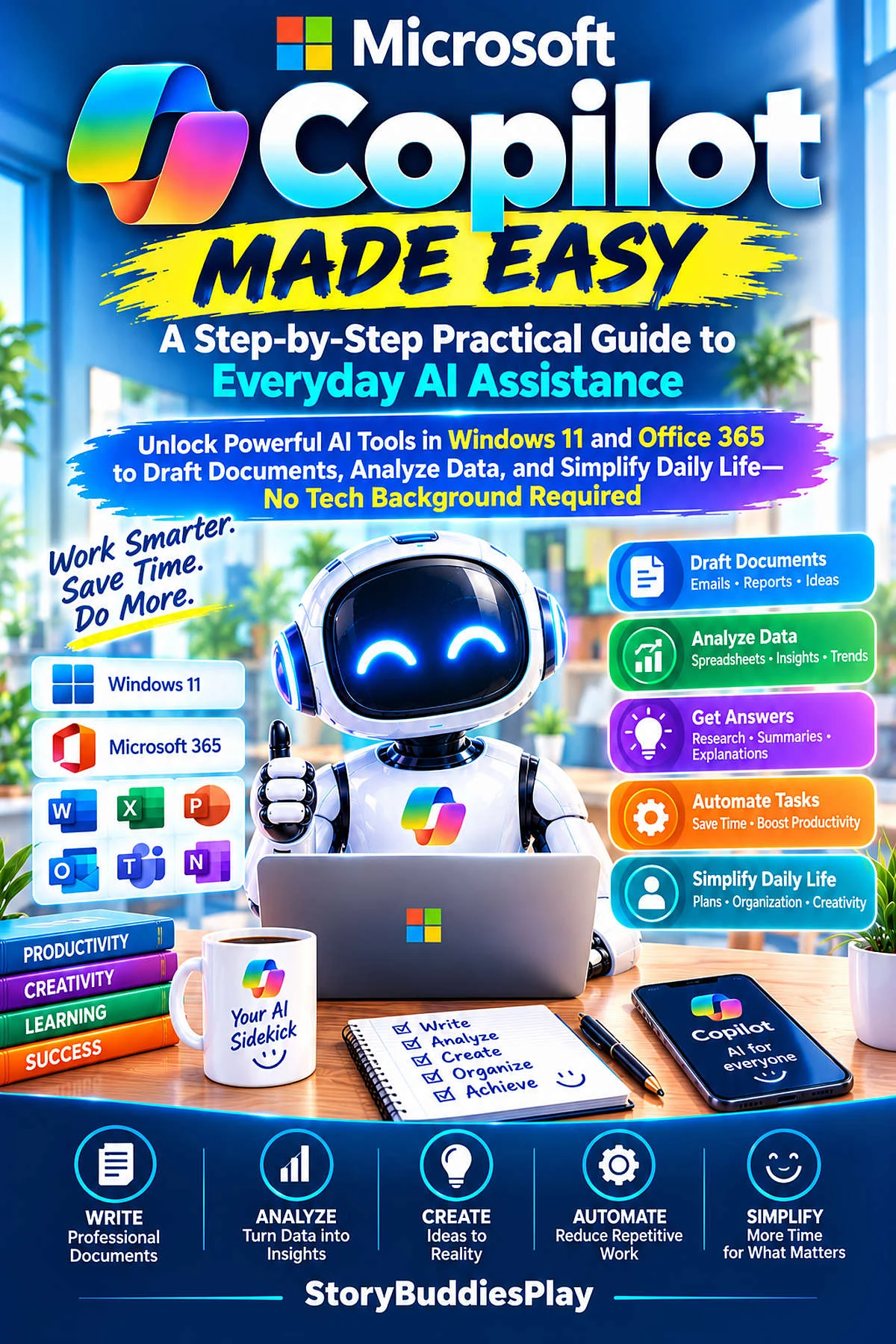
Microsoft Copilot Made Easy
A Step-by-Step Practical Guide to Everyday AI Assistance
Unlock Powerful AI Tools in Windows 11 and Office 365 to Draft Documents, Analyze Data, and Simplify Daily Life—No Tech Background RequiredEPUB + PDF + free Chapter 1 preview. Instant download.
£6.99
Choose your formatInstant download
Secure checkout. Files are yours to keep.

Read a free chapter of The Candy Corn Confession
A full sample chapter from this small-town Halloween romance — free, no account, no card.
About this book
Are you feeling overwhelmed by the buzz around Artificial Intelligence? Do you want to leverage AI to make your daily work and personal life easier, but don't know where to start? 'Microsoft Copilot Made Easy' is your friendly, jargon-free roadmap to mastering the powerful AI tools already built into your Windows 11 PC and Microsoft Office applications.
Designed specifically for beginners, seniors, students, and busy professionals, this step-by-step practical guide cuts through the technical fluff. You will learn how to draft emails in seconds, summarize lengthy documents, automate spreadsheet calculations in Excel, design stunning presentations in PowerPoint, and organize your daily routines effortlessly.
Inside this book, you will discover: – Clear, plain-English explanations of what Copilot is and how it works. – Step-by-step walkthroughs for Windows 11, Word, Excel, PowerPoint, Outlook, and Edge. – Practical, real-world prompts you can copy, paste, and adapt immediately. – Essential privacy, safety, and security tips to protect your personal information.
No coding or technical background required! Transform your computer experience and start letting AI do the heavy lifting for you today.
Unlock Powerful AI Tools in Windows 11 and Office 365 to Draft Documents, Analyze Data, and Simplify Daily Life—No Tech Background Required
What’s inside
- Introduction to Everyday AI and Microsoft Copilot
- Getting Started: Setting Up Copilot on Windows 11
- The Art of Asking: Crafting Simple and Effective Prompts
- Writing and Editing Made Effortless in Microsoft Word
- Conquering Data and Spreadsheets in Microsoft Excel
- Creating Visual Presentations Quickly in PowerPoint
- Mastering Your Inbox and Schedule in Microsoft Outlook
- Smarter Web Browsing and Research with Microsoft Edge
- Creativity Unlocked: Image Generation and Design with Designer
- AI for Students, Seniors, and Administrative Workflows
- Safety, Privacy, and Responsible AI Usage
- Your Future with Copilot: Tips, Cheat Sheets, and Next Steps
What you get
- Full English edition (17,604 words)
- Instant download in EPUB and PDF
- Free Chapter 1 preview PDF (Microsoft Copilot Made Easy)
- Read on Kindle, Kobo, Apple Books, tablet, phone or print
Language: English. Delivered immediately after checkout.
Related products
- AI for Beginners
AI For Absolute Beginners Edition 2026
Original price was: £6.99.£2.99Current price is: £2.99. Add to cart - AI & Machine Learning
Microsoft Copilot pour les entreprises : le guide ultime de productivité pour les professionnels modernes
£6.99 Add to cart - AI & Machine Learning
Microsoft Copilot for Business & Enterprise: The Ultimate Productivity Blueprint for Modern Professionals
£6.99 Add to cart


Reviews
There are no reviews yet.